
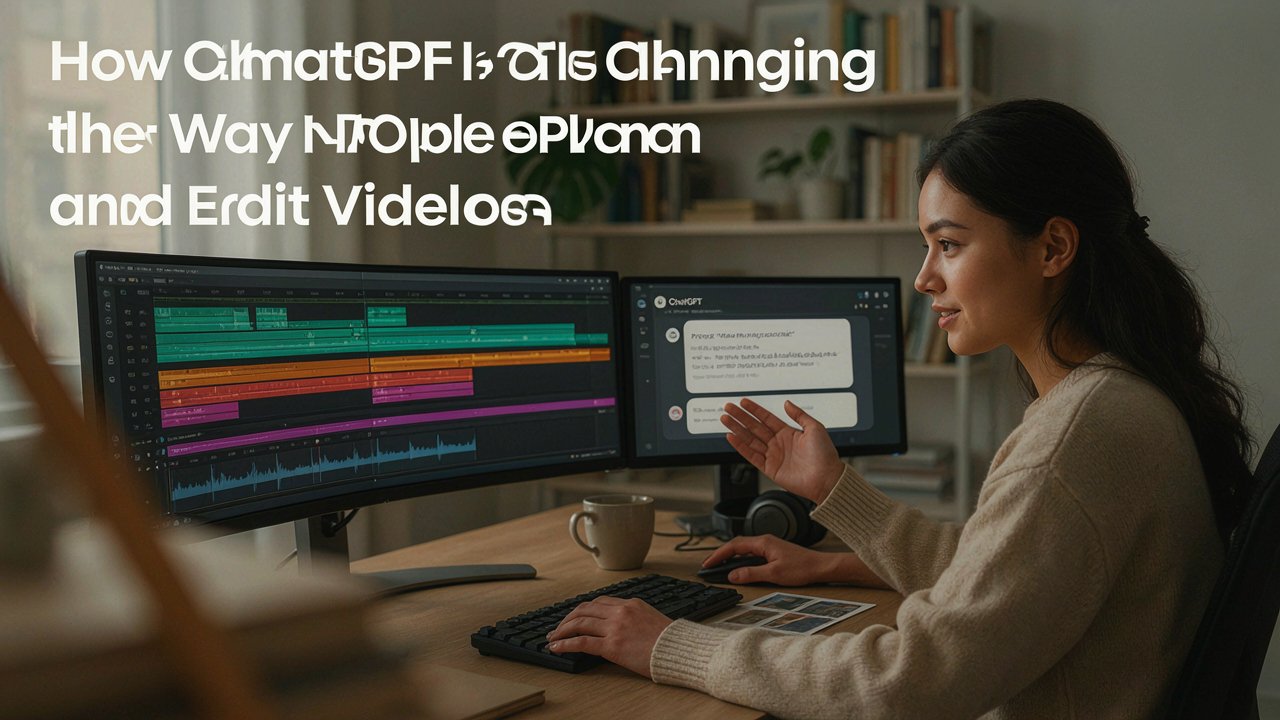

Video production used to require a fairly rigid sequence of steps. A creator would gather footage, sit down at a timeline, trim clips one by one, and manually decide on pacing, transitions, and structure. That process still exists today, but it is no longer the only way to start.
Conversational AI tools like ChatGPT have introduced a new layer to the workflow, one where creators describe what they want in plain language and receive a structured starting point before they ever touch a traditional editor. This shift is not about replacing editing skill, it is about reducing the friction of getting from raw material to a workable draft.
Understanding the Rise of the ChatGPT Video Editor Free Approach
Many creators, especially those just starting out, are looking for low cost or no cost ways to experiment with AI assisted editing before committing to paid software or advanced workflows. This is where the idea of a ChatGPT video editor free approach becomes useful. Instead of paying for a full suite of AI editing tools upfront, someone can begin by using ChatGPT to plan a video concept, outline a script, or organize the order of scenes based on footage they already have.
From there, the plan can be carried into a dedicated video editor to handle the actual cutting, effects, and export. This layered approach lets beginners test the value of AI assistance without a large upfront investment, and it gives more experienced creators a faster way to sketch out ideas before refining them by hand.
Why Conversational Planning Changes the Creative Process
The biggest shift conversational AI brings to video work is not in the timeline itself, it is in the planning stage that happens before any clips are touched. Traditionally, a creator might open a blank project and stare at an empty track, unsure of where to begin. With a conversational tool, that same person can describe the tone, length, and purpose of the video, and receive a suggested structure in return.
This could include a rough scene order, ideas for pacing, or notes on which moments in a set of clips are likely to be the strongest. The output is not a finished video, it is a starting framework, and that framework can save a meaningful amount of time during the early, often overwhelming stage of a project.
This matters particularly for people who are confident in their subject matter but less confident in editing technique. A small business owner filming a product demo, a teacher recording a lesson, or a hobbyist documenting a trip may know exactly what story they want to tell but struggle with how to translate raw footage into a coherent sequence. Conversational planning tools give these creators a way to organize their thinking before diving into technical execution.
How AI Assisted Drafts Fit Into a Traditional Editing Workflow
It is worth being clear about what these tools do and do not do. A conversational assistant can help outline a video, suggest an order for clips, or describe pacing and structure in words, but the actual editing, including trimming footage, adjusting timing, adding effects, and exporting a finished file, still happens inside a video editing application. The two stages complement each other rather than compete.
Someone might spend a few minutes describing their footage and goals to an AI assistant, receive a suggested rough cut plan, and then move into an editor to execute that plan with full control over the details. Because the person reviewing and adjusting the draft remains in charge of the final result, creative judgment is not removed from the process, it is simply supported earlier on.
This kind of workflow is becoming more common as editing platforms build connections to AI assistants directly into their tools. Rather than treating planning and editing as two separate, disconnected activities, some platforms now let users move between a conversational interface and a visual timeline within the same project, carrying context like uploaded clips or stated preferences from one stage to the next.
Practical Considerations Before Relying on AI for Video Editing
Anyone experimenting with AI assisted video planning should keep a few practical points in mind.
First, the quality of the output depends heavily on the clarity of the input. Vague instructions tend to produce vague suggestions, while specific details about tone, audience, and desired length tend to produce more usable results.
Second, these tools work with the material provided to them, so uploading relevant footage or describing available assets accurately makes a meaningful difference in how useful the suggested structure will be.
Third, AI generated drafts should be treated as a starting point rather than a finished product. Reviewing pacing, checking that captions and visuals align with the intended message, and making manual adjustments remain important steps regardless of how the initial draft was created.
It is also worth remembering that free or low cost entry points to these workflows are often designed to introduce users to a broader set of paid tools over time. That is a reasonable business model, but it means creators should evaluate whether a given workflow actually saves them time and effort for their specific type of content, rather than assuming any AI assisted process will automatically improve their results.
Conclusion
Conversational AI has not replaced traditional video editing, but it has added a useful new stage to the process, one focused on planning, structure, and early creative direction. For creators exploring this space, starting with a ChatGPT video editor free approach offers a practical way to test how much value AI assistance adds before investing in more advanced tools.
Used thoughtfully, alongside a proper editor and careful review, this kind of workflow can shorten the distance between an idea and a finished video, while leaving the creative decisions where they belong, with the person telling the story.